
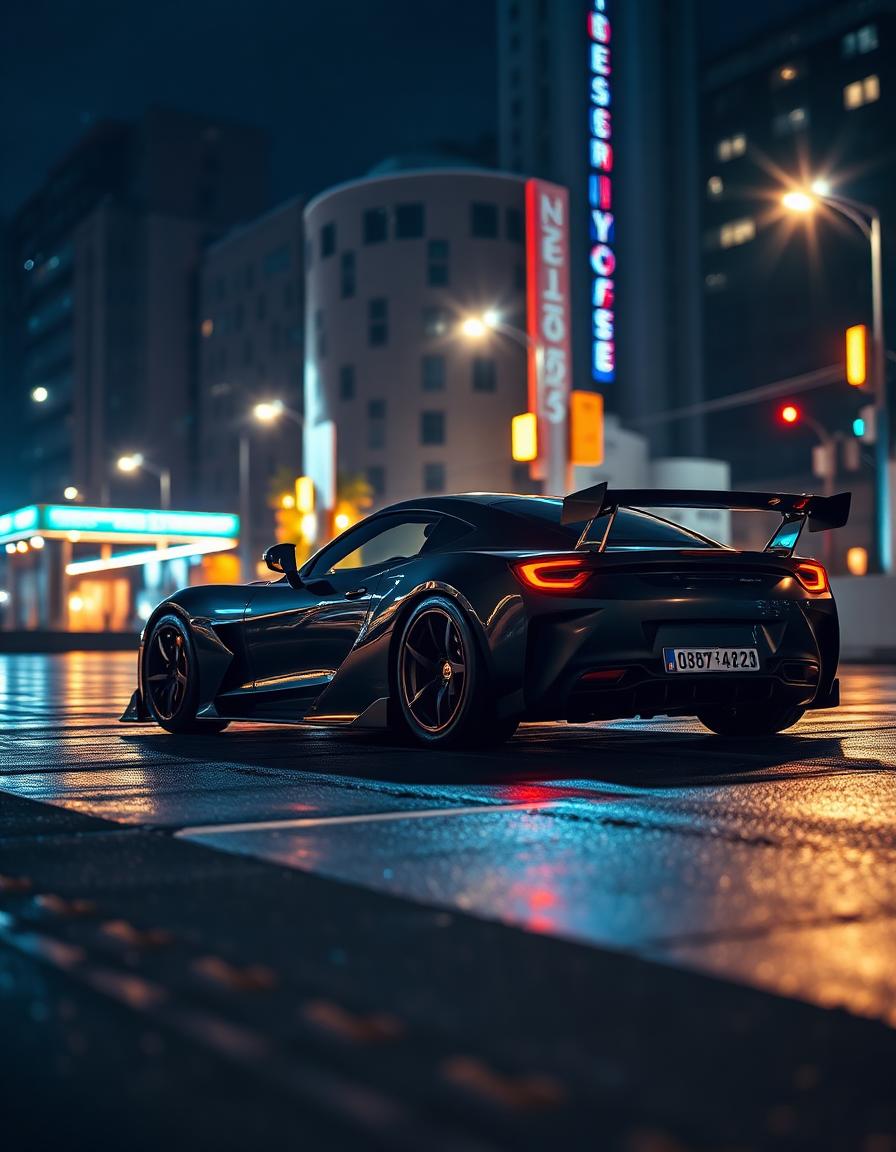
Cinematic Black Sports Car at Night
AutomotiveMidjourneyFLUX
Free · No signup · Private by default
Imprompta reads subject, composition, lighting, camera and colour out of your reference image, then writes it back as a prompt tuned for the model you actually use.
How it works
Analysis runs on our servers, your image stays private, and nothing is published.
01
Drop in a JPG, PNG or WEBP. Nothing is published and nothing is added to the public library.
02
Imprompta reads subject, composition, lighting, camera behaviour, colour and style into a structured record.
03
Get a master prompt, a short version and, where the model uses one, a negative prompt.
Visual decoding
A caption describes an image. A prompt has to rebuild it. These are the layers Imprompta reads before it writes a single word.
What is actually in frame, including the secondary elements that carry the scene.
Quality, direction and colour temperature — the three facts that reproduce a look.
Framing, balance, negative space and where the eye is meant to travel.
Angle, estimated focal length and depth of field, flagged as estimates when uncertain.
Medium, genre and finish, compressed into language a model can act on.
The dominant palette that holds the image together, as swatches and as words.
Prompt library
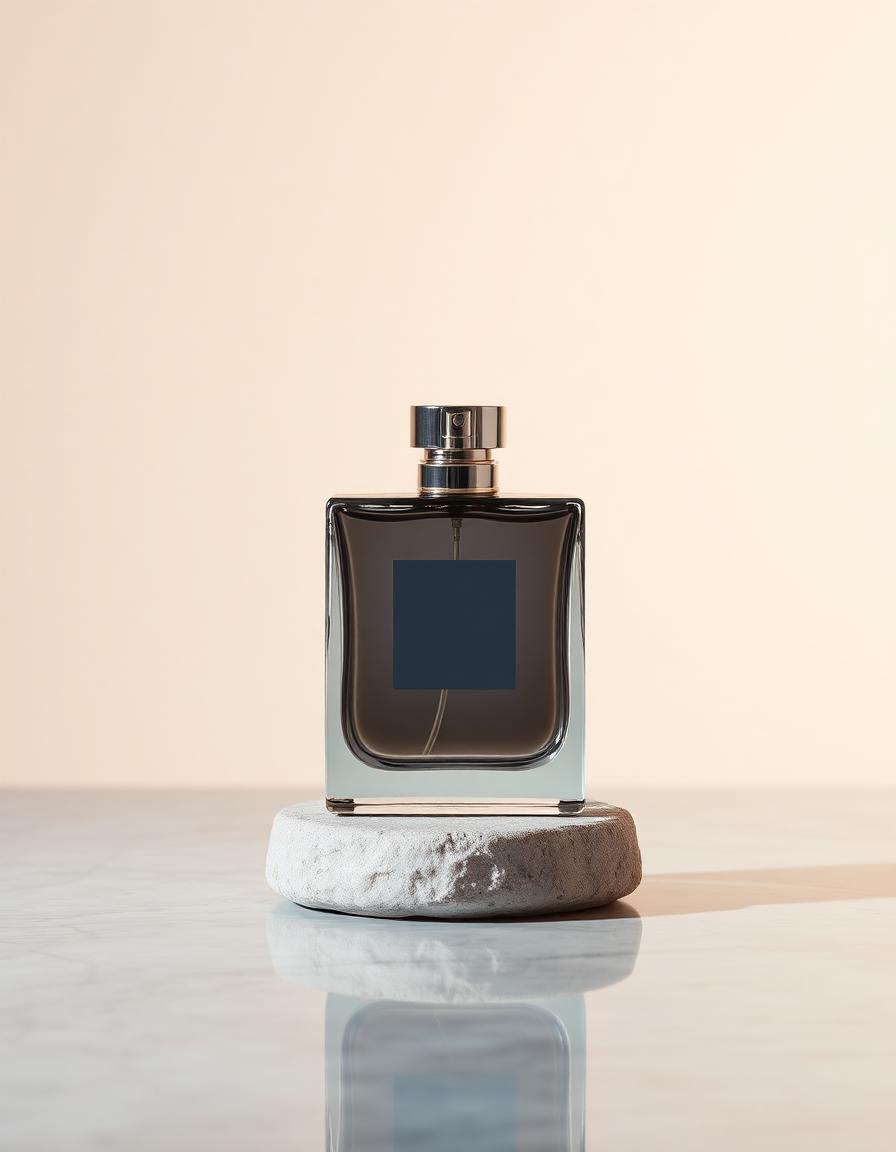
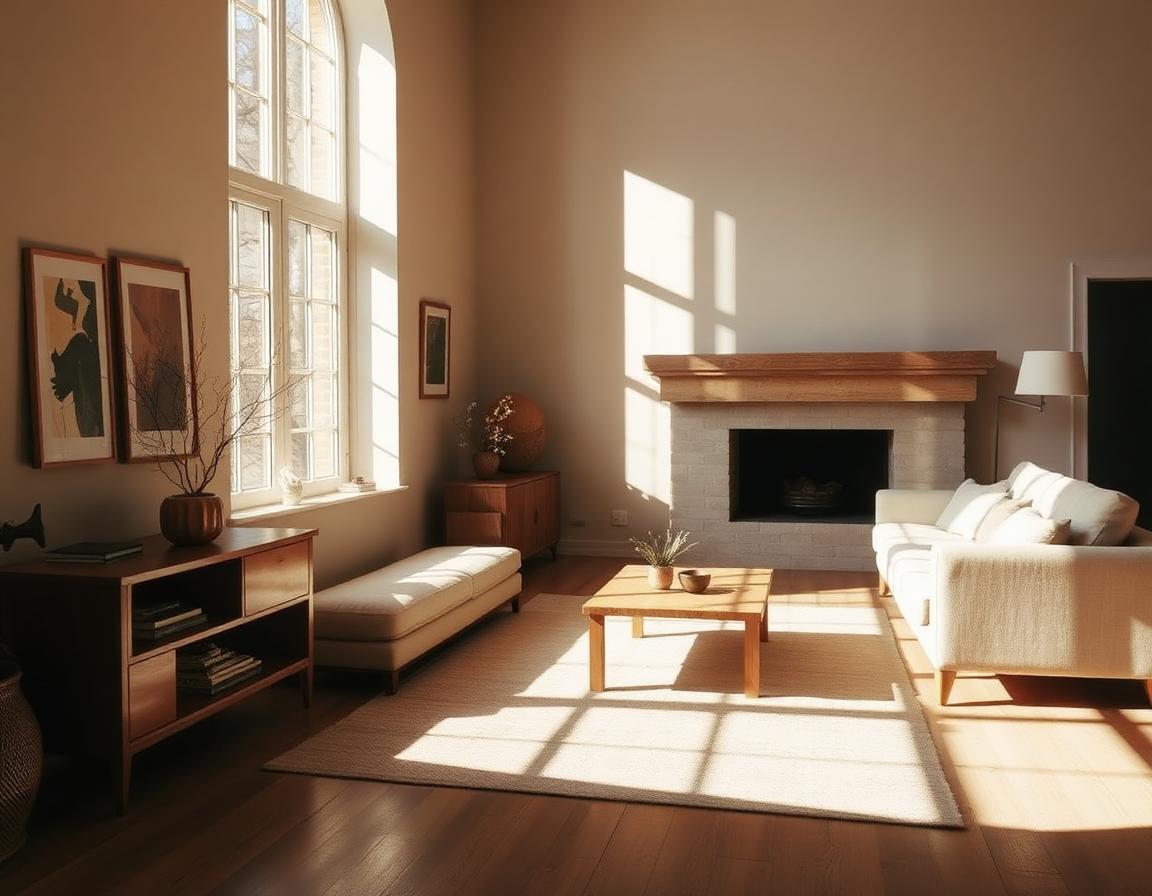
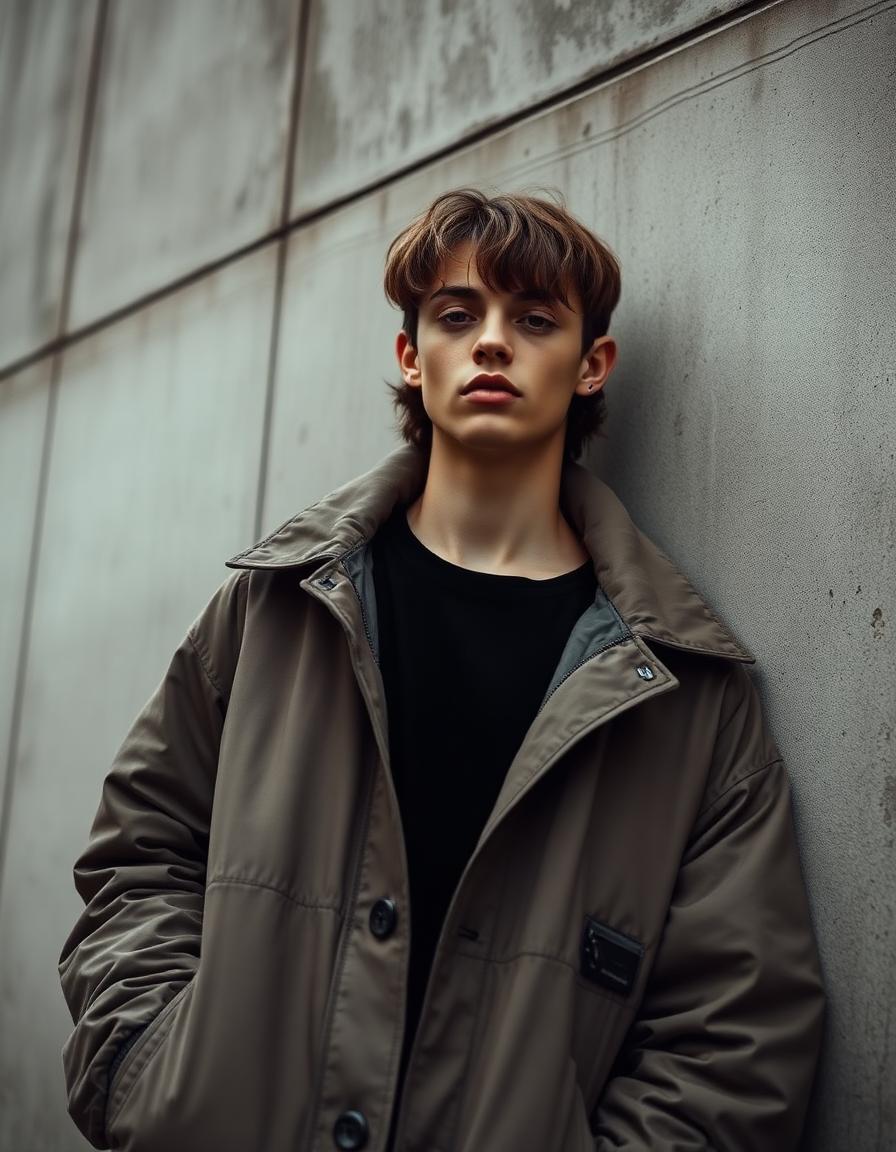
Curated reconstructions you can copy, study and adapt.
Model coverage
The same visual analysis, rewritten into the phrasing each model actually responds to.
Natural language prompt that works almost anywhere.
Compact, comma-separated visual phrasing optimized for Midjourney.
Image to prompt for MidjourneyLong-form natural sentences with precise photographic detail.
Image to prompt for FLUXTag-style descriptive prompt with a matching negative prompt.
Image to prompt for Stable DiffusionInstructional phrasing for conversational image workflows.
Image to prompt for GeminiWorkflows
FAQ